 Manual
Manual · Reference
The form objects — all 26
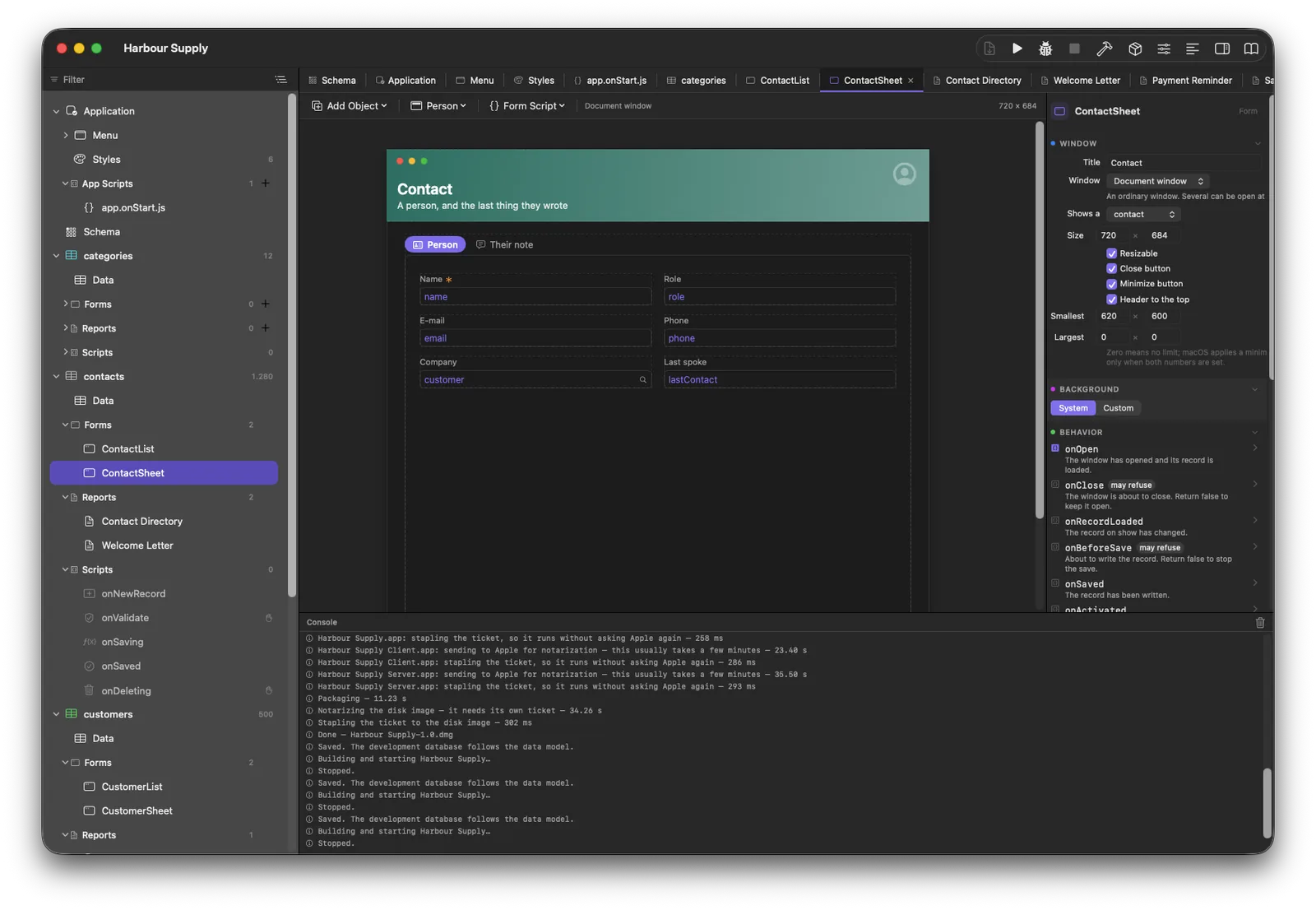
Everything a window is made of. Three rules hold for every kind: a caption belongs to the object (a captioned field is simply a taller field), a rule about a kind lives on the kind (which is why the inspector never lies about what an object can do), and the canvas and the running window are two drawings of one object — what you arrange is what runs.
Text Field textField
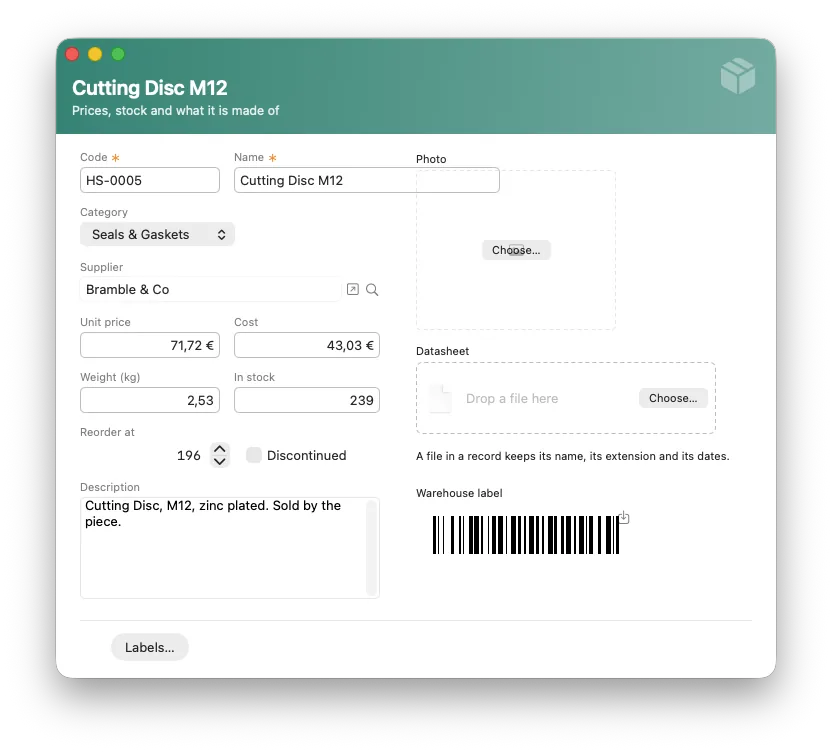
One line of text, bound to a field. Written into the record as the person types; saved when they leave it — that is the whole Model A. A caption is a property of the field, not a second object.
Events: onChanged · onValidate · onGainingFocus · onLosingFocus
Password Field passwordField
Dots instead of letters — and it refuses to be bound to a column, because bound it would store the typed password where the hash belongs. Read its value in a script, hash it with security.hashPassword, store the hash.
Events: onChanged
Text Area textArea
Many lines — notes, letters, anything that wraps.
Events: onChanged · onValidate
Number Field numberField
Numbers with the field's own decimals, right-aligned when it should be. On an Amount field it shows money — with the field's currency, wherever it is drawn.
Events: onChanged · onValidate
Date Field dateField
A date, readable and retypeable: what the cell draws, a person can type back — 18.3.2025 is accepted because it is shown.
Events: onChanged · onValidate
Checkbox checkbox
A Yes/No field. One click is the whole edit, so the write-through happens on the click.
Events: onChanged
Record Field recordField
How a record chooses a related record — never a bare popup over four thousand rows. It counts the other table and picks its face: a menu for a few, a search for many, a chooser window for everything else. A button beside it opens the chosen record.
Events: onChanged
Label label
Text that is not edited — bind it to a field (a computed total keeps itself current there) or let a script set its value.
Image Well image
A picture in the record. Drop one in, or use its menu — Open · Save as… · Replace… · Delete. The bytes live in the sibling attachment store and are read only when shown. It can also show a picture the *project* ships instead of one from the record — a logo, a letterhead: **Choose Picture…** in the inspector browses everything in the project's assets folder, folders included, and can copy a new one in. Whatever a Mac can draw is fair game — PNG, JPEG, HEIC, TIFF, WebP, and PDF or SVG, which stay sharp at any size.
Events: onChanged
File Well fileWell
A document in the record — shown as name, kind and size (\u{201C}Vertrag.pdf · 2,4 MB\u{201D}) without reading the bytes. Same menu as the image well; Image and File are two kinds on purpose.
Events: onChanged
Button button
Runs its onClick. The event fires one turn after the click, so the window has settled when your script runs.
Events: onClick
List list
The list — a table or a relationship, row actions (New · Duplicate · Delete plus Find · Sort · Print · Import · Export, none written by hand), editable columns, a footer that totals the whole set, drag-reordering into a position field. A script hands it records with show(query).
Events: onSelectionChange · onRowDoubleClick · onRowsChanged · onCellChanged
Box box
A frame that groups — visually and for the Tab order, whose membership is stated, not derived.
Tabs tabs
Pages inside a window. Objects state which page they belong to; a script can switch, hide or disable pages.
Events: onChanged
Radio Group radioGroup
One choice, all options visible — for three to five options where the popup would hide them.
Events: onChanged
Segmented Control segmented
The compact face of the same idea — filters above a list (\u{201C}Latest · Unpaid\u{201D}).
Events: onChanged
Progress Bar progress
How far along something is — bind it or drive it from a script. For blocking work, messages.showProgress with its working Cancel is usually the better tool.
Timer timer
Fires its script on an interval — the dashboard that refreshes itself. Start and stop it from scripts (form.myTimer.enabled).
Events: onTick
Separator separator
A hairline that structures a window.
Slider slider
A number chosen by feel, within the bounds you set.
Events: onChanged
Stepper stepper
A number nudged in steps — beside a number field, sharing its binding.
Events: onChanged
Search Field searchField
A search box. Full-text search over a searchable table (SearchIndex) — which is real search, not contains.
Events: onChanged
Chart chart
Bars, lines, donuts over your data — grouped by the database, so four thousand rows are never loaded to draw five bars. Takes computed values, and a script can hand it series with show([{ category, value }]).
Card card
One object that is a whole tile — the coloured header band of the examples is a card, not four objects lying on top of each other. Symbol, big line, small line, gradient.
Events: onClick
Sparkline sparkline
A tiny curve where a whole chart would shout — the last twelve months in the corner of a card.