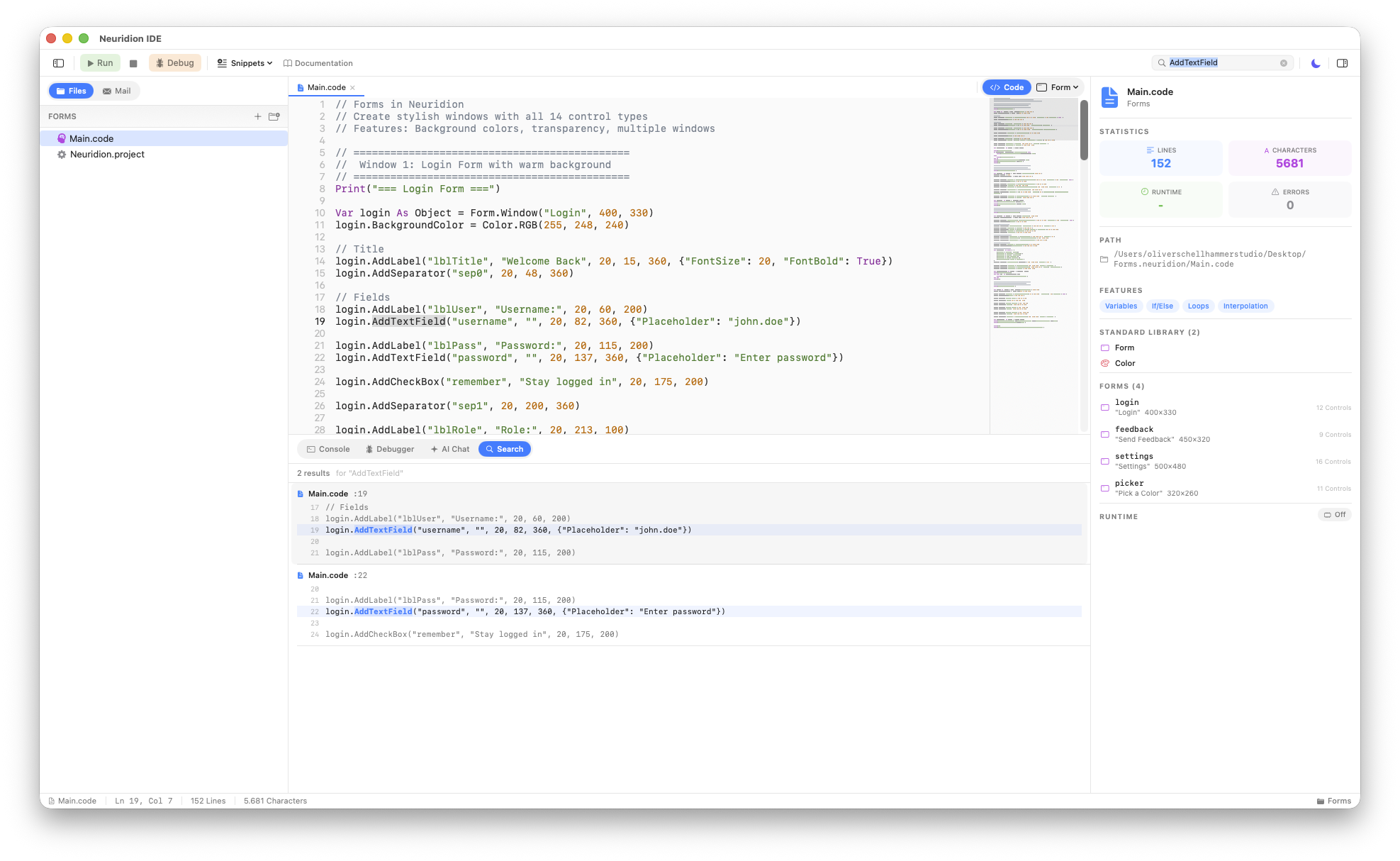
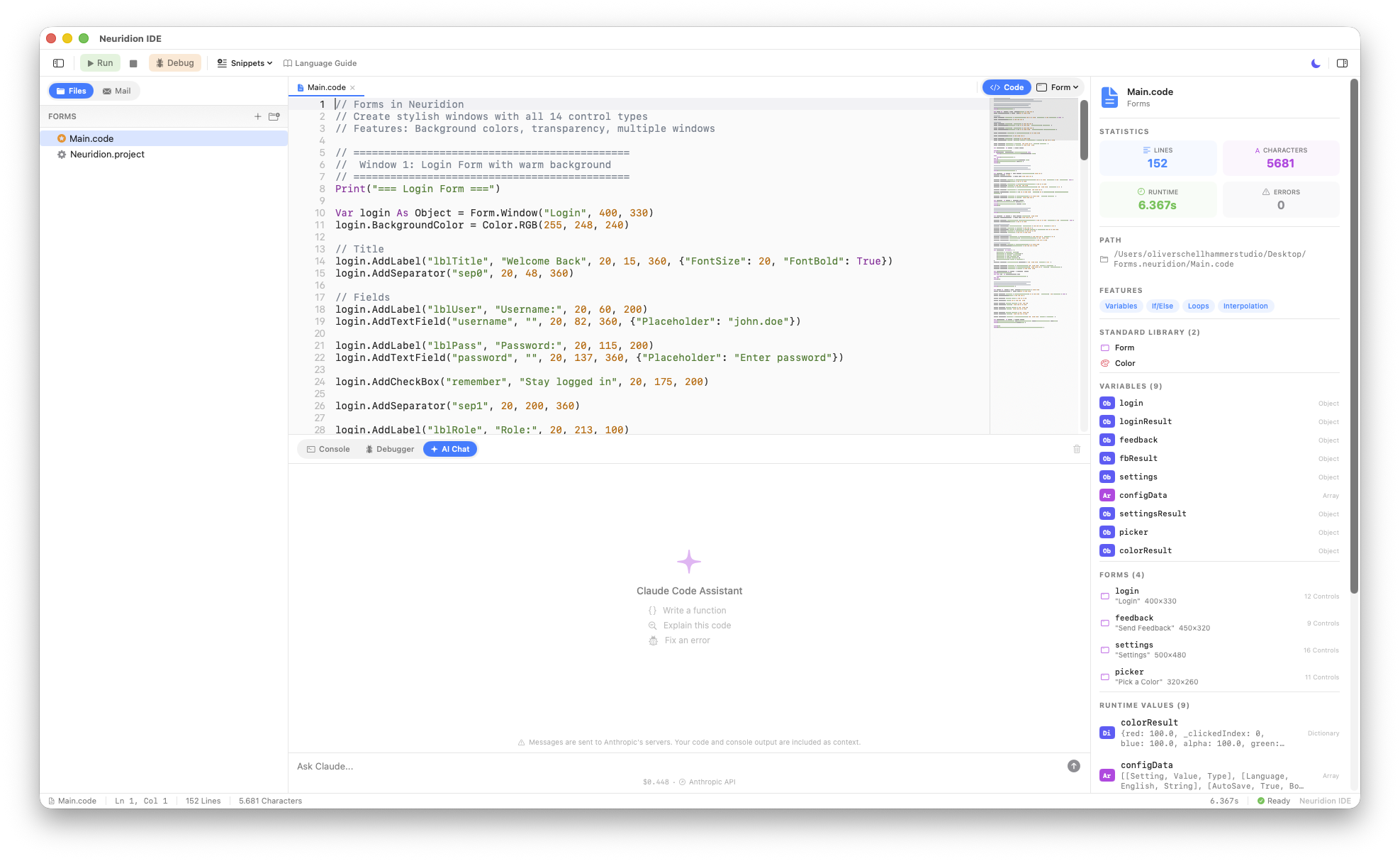
Powerful Code Editor
Write code with confidence in a professional editor built for Neuridion. Full syntax highlighting with a carefully crafted color theme, intelligent auto-complete suggestions, line numbers, and bracket matching make coding a joy.
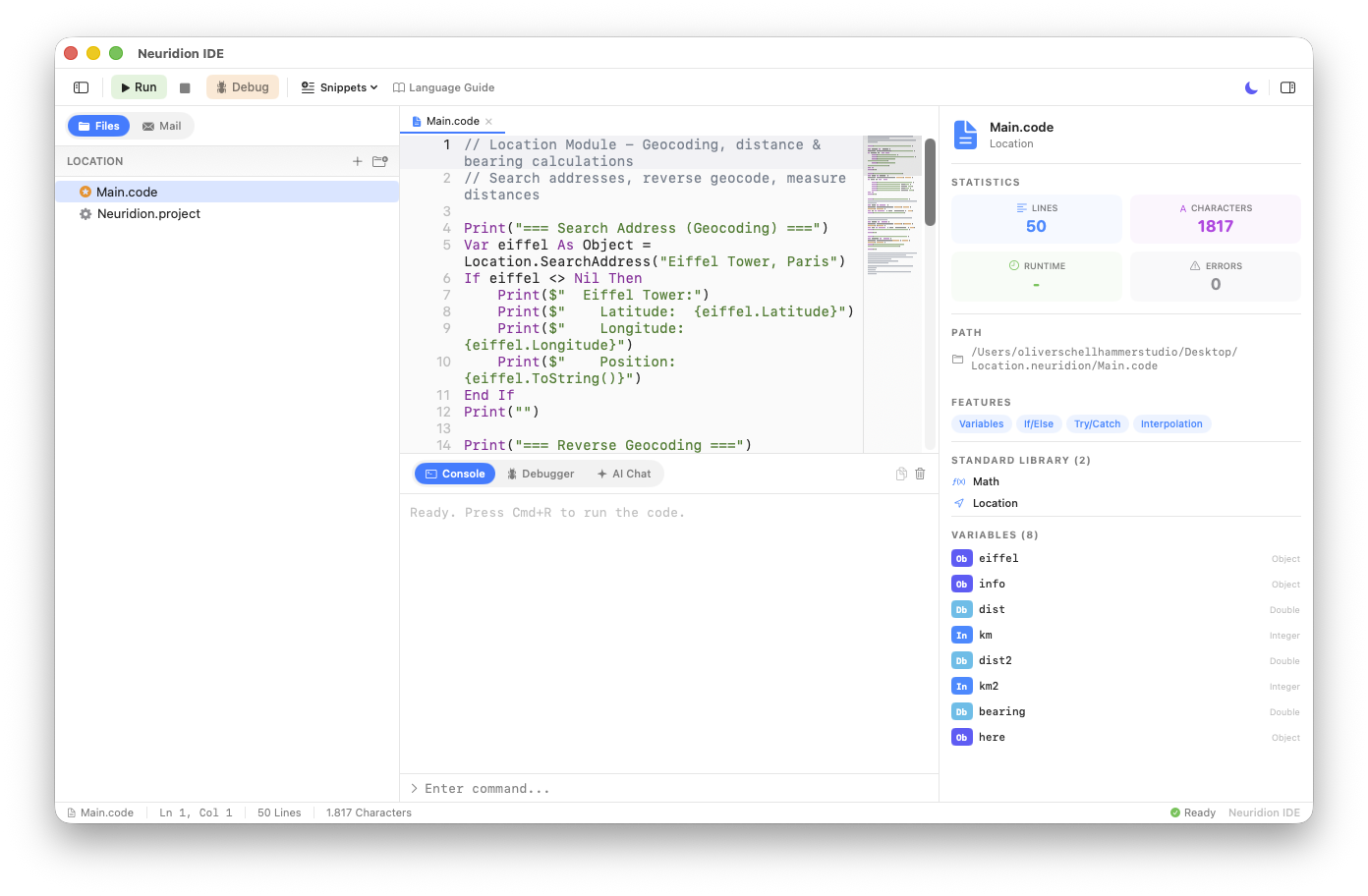
Interactive Console
See your program's output in a rich, color-coded console. Errors appear in red, warnings in orange, and info messages in blue. The built-in input line supports Console.ReadLine() for interactive programs.
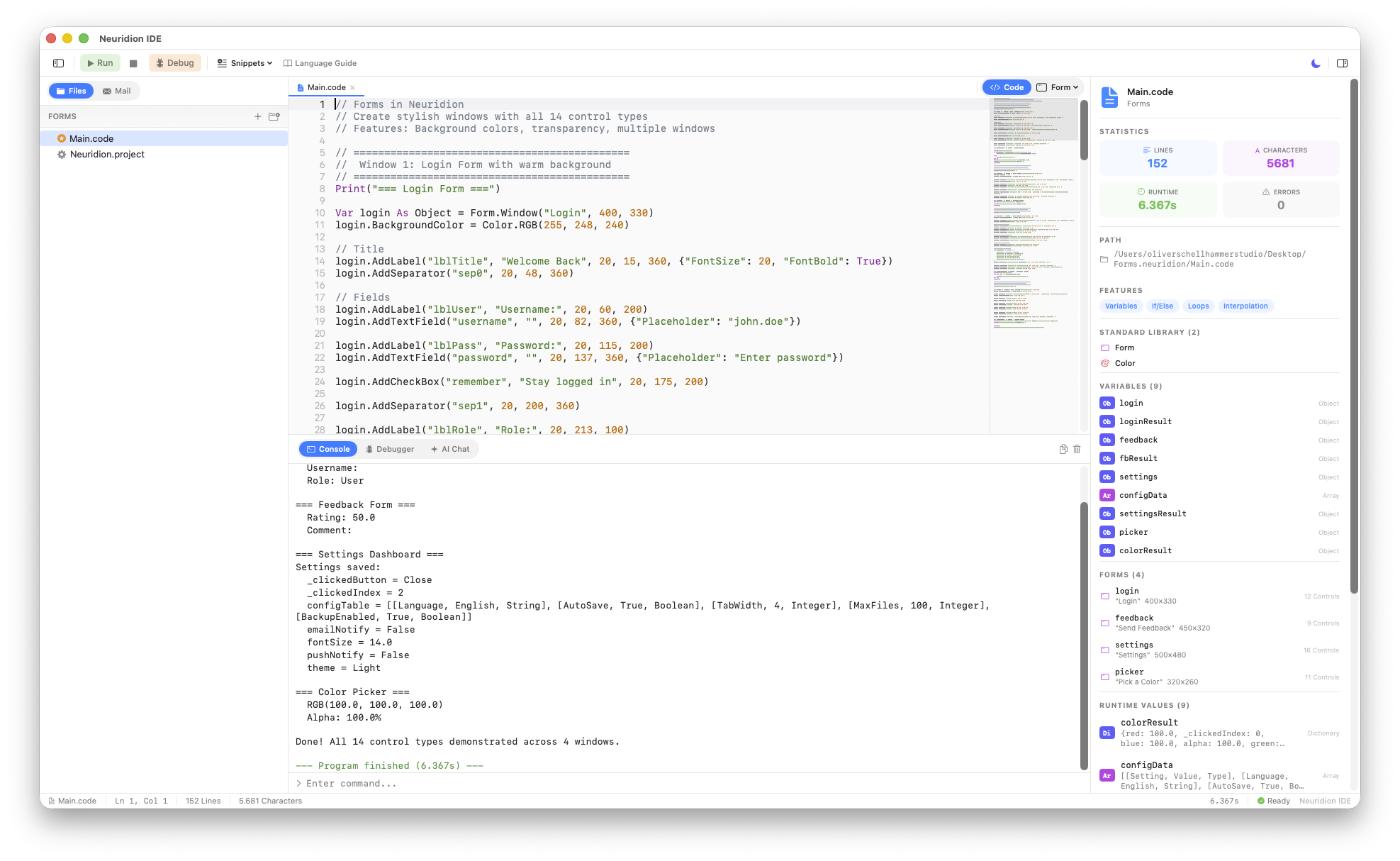
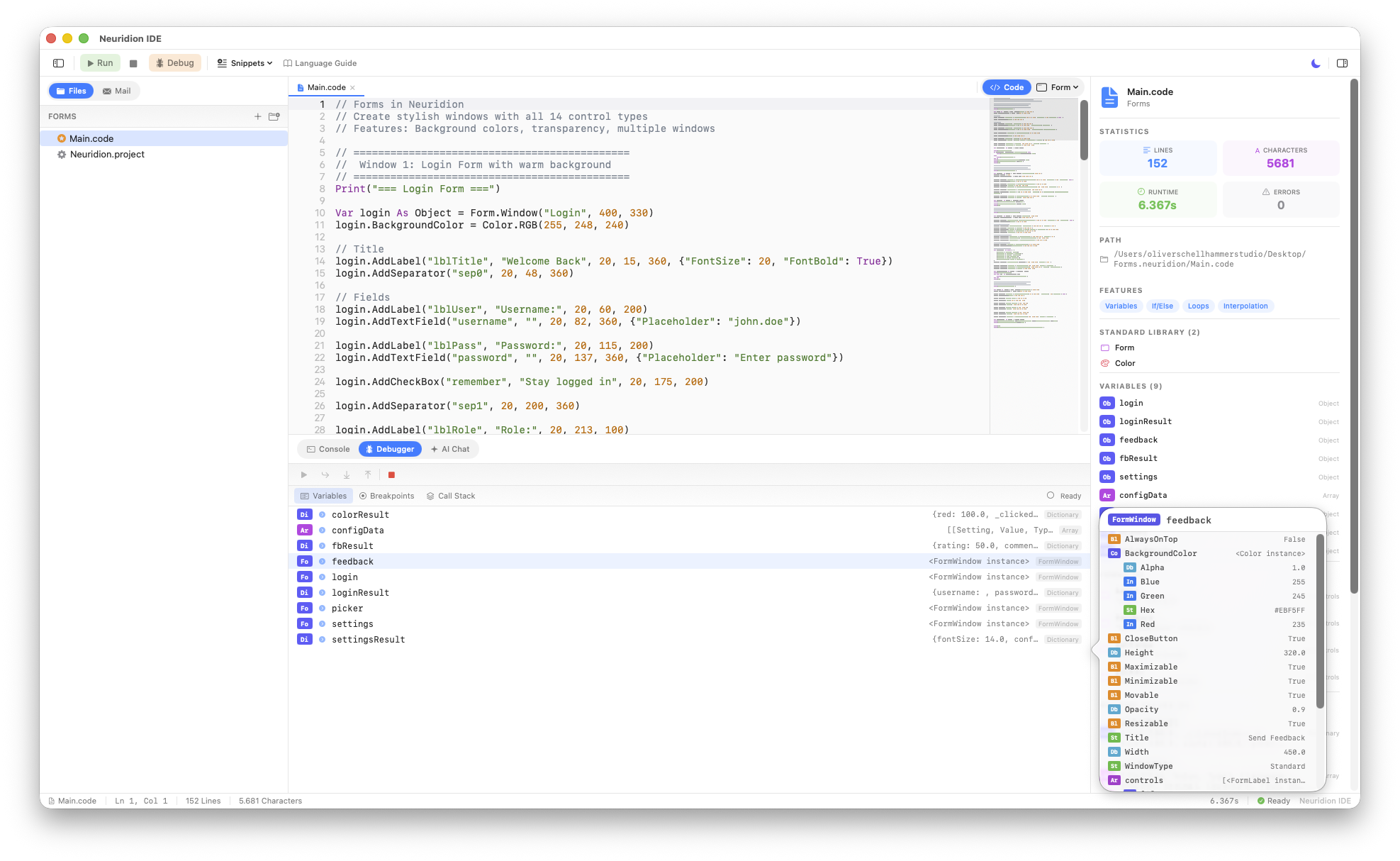
Visual Debugger
Track down bugs with a full-featured visual debugger. Set breakpoints by clicking the gutter, step through your code line by line, and inspect every variable with deep drill-down into objects, arrays, and nested data.
AI-Powered Assistant
Get help right inside the IDE with a built-in Claude AI assistant that truly understands Neuridion. Ask it to write code, explain concepts, fix errors, or generate entire programs. It knows every module, every keyword, and every pattern.
Visual Forms
Build desktop GUI applications with 14 built-in control types including labels, buttons, text fields, tables, sliders, and more. The visual preview shows your form layout as you code, and both modal and event-loop modes give you full flexibility.
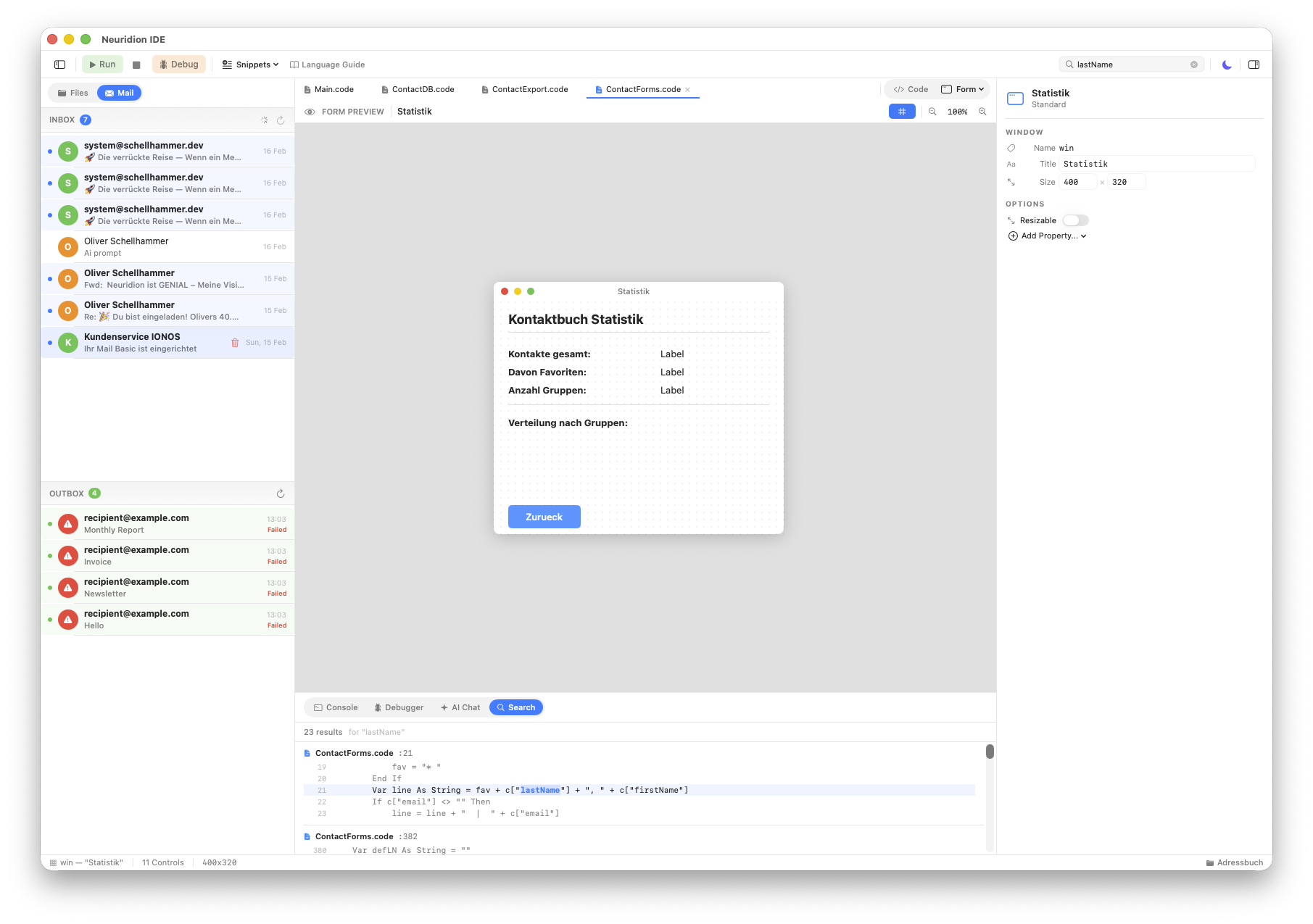
Built-in Mail Inbox
Monitor your email right from the IDE sidebar. A read-only IMAP inbox viewer lets you check incoming messages, view headers and technical details, and stay connected without switching apps. Auto-refreshes every 60 seconds.
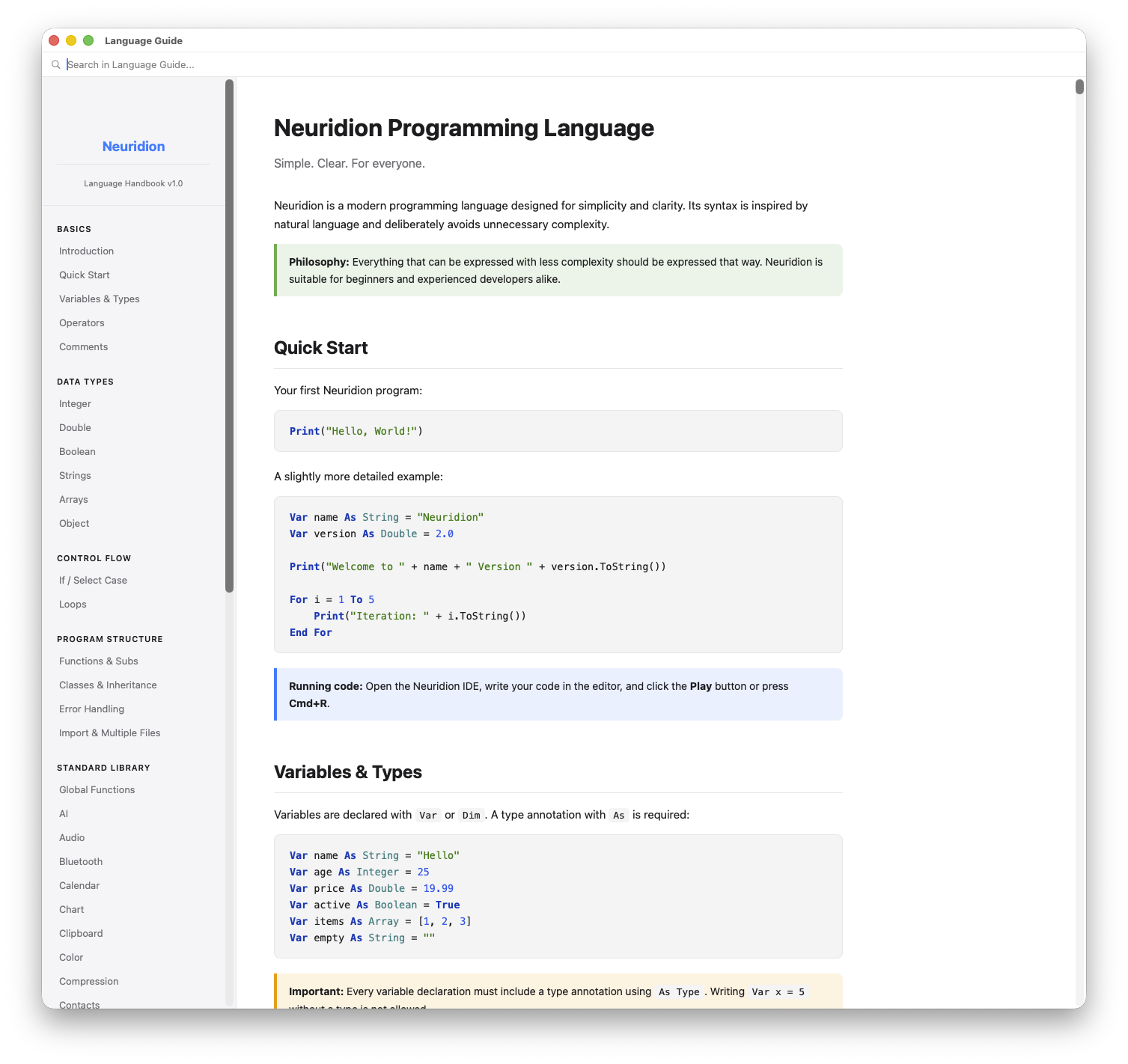
Comprehensive Documentation
Never leave the IDE to look something up. Six built-in guides cover everything from language basics to advanced API references, plus dedicated Kids Guide and Teacher Guide with complete lesson plans. Full-text search with match highlighting finds answers instantly.
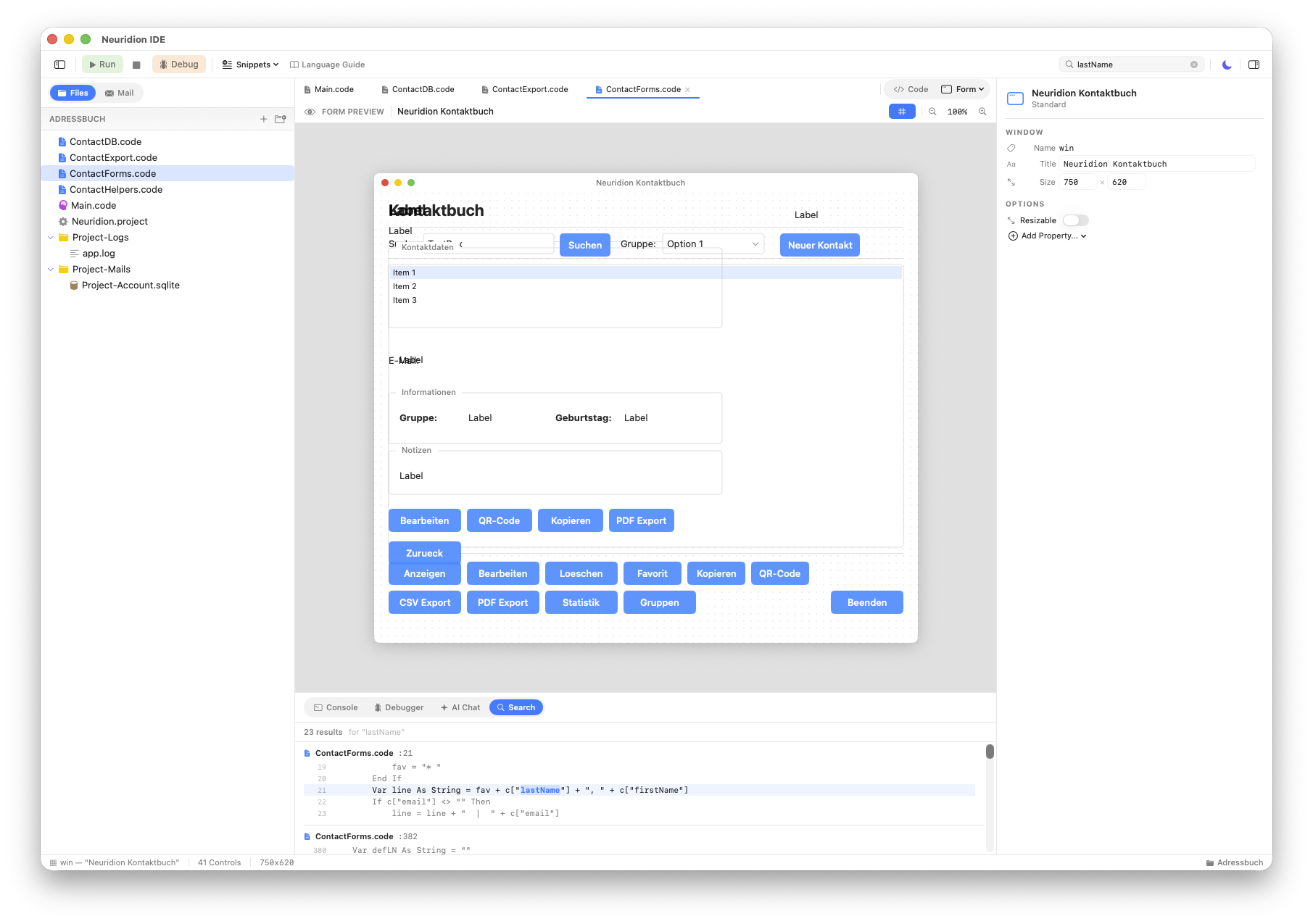
Project-Wide Search
Find anything across your entire project in an instant. Search all source files at once, see results in context, and navigate directly to matches. Perfect for large projects with multiple code files.